
Eslam Hamed
Technical Lead & AI Solutions Architect
Building enterprise AI systems, cloud platforms, and production-ready software
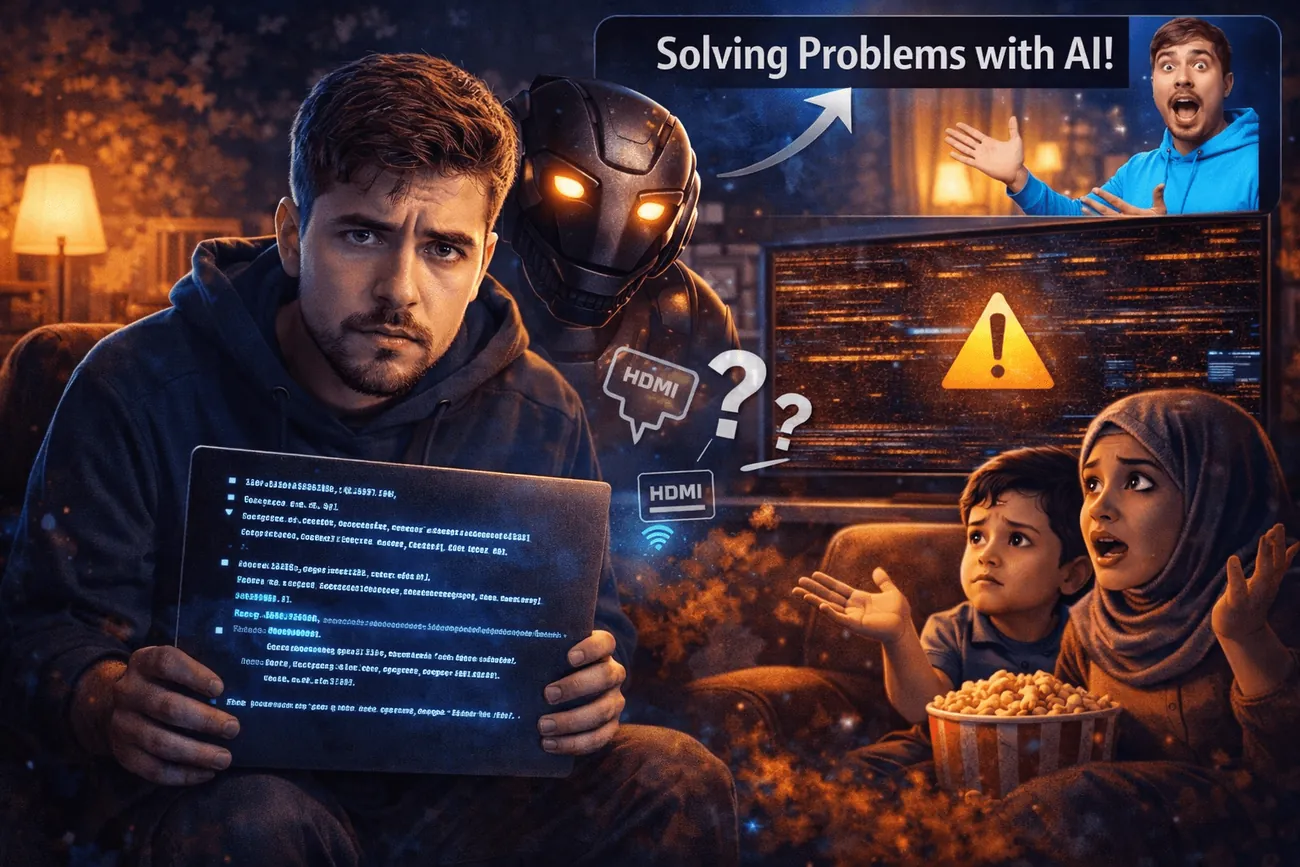
Today I Used AI to Save Movie Night (Yes, Really)
Today I Used AI to Save Movie Night (Yes, Really)
I’m Eslam Hamed — a software developer who spends most days building things in code, then occasionally gets humbled by a very normal family problem: the movie will not play on the TV.
This week’s problem was simple: we wanted to watch a fun animated movie together. Laptop + HDMI + TV. Classic. It used to work. Then suddenly, it did not. The laptop was like: Yep, I see the TV. The TV was like: Yep, something is connected. And the screen was like: Cool story bro. Here is a black screen. 😅
What I tried (aka: the usual please-work routine)
I did all the normal human things first:
- Switched HDMI inputs.
- Tried more than one cable, including a newer one.
- Restarted everything. Unplugged. Waited. Plugged again.
- Tried different display modes on Windows (duplicate / extend / second screen only).
- Tried different resolutions.
Nothing. Still a black screen. No sound. No movie. Just vibes and disappointment.
So I did the developer thing (without turning it into tech drama)
Instead of going into full IT support mode and losing the whole night, I asked AI for help, like a calm co-pilot.
I explained the setup in plain words: the laptop can connect to a normal monitor, the TV works fine with the receiver, but the TV + laptop combination suddenly refused to show anything.
AI helped me stop guessing and start testing. Not with scary technical jargon, just a clean checklist and a couple of smart ideas.
The twist: it was not broken, it was picky
After trying the obvious stuff, AI suggested something I honestly would not think about during movie night: the refresh rate (basically the timing of the video signal).
I noticed Windows was outputting something like 60.004 Hz. It sounds like 60, but it is not exactly 60. Apparently, my older Samsung TV is the type of device that says: If it is not exactly what I like, I am not showing anything. 😄
Here is the funny part: when I switched to an interlaced mode, it instantly worked. Picture came back. Sound came back. Family happiness restored.
So why did that fix it?
In simple terms: older TVs can be very strict about the shape and timing of the signal they accept. Even tiny differences that look harmless on a laptop can make a TV refuse to display anything.
When I picked the interlaced option, the TV recognized it as a more TV-like signal, the kind it is used to receiving from broadcast devices and receivers. So it stopped being stubborn and finally showed the picture.
It was not that my laptop was not sending video. It was sending video in a way the TV did not feel like understanding. Relatable, honestly.
What I learned
- Sometimes the problem is not broken hardware, it is tiny settings that suddenly do not match.
- AI is amazing when you are tired and just need a clean list of what to try next.
- Being a developer is not about knowing every answer. It is about staying calm and debugging the situation, even if that situation is a cartoon movie.
And the best part? This could have turned into a long frustrating night. Instead, it became a quick little debugging adventure and we got back to the movie.
AI did not replace my brain, it just helped me reach the fix faster and keep the family mood alive. 😄